
.png)




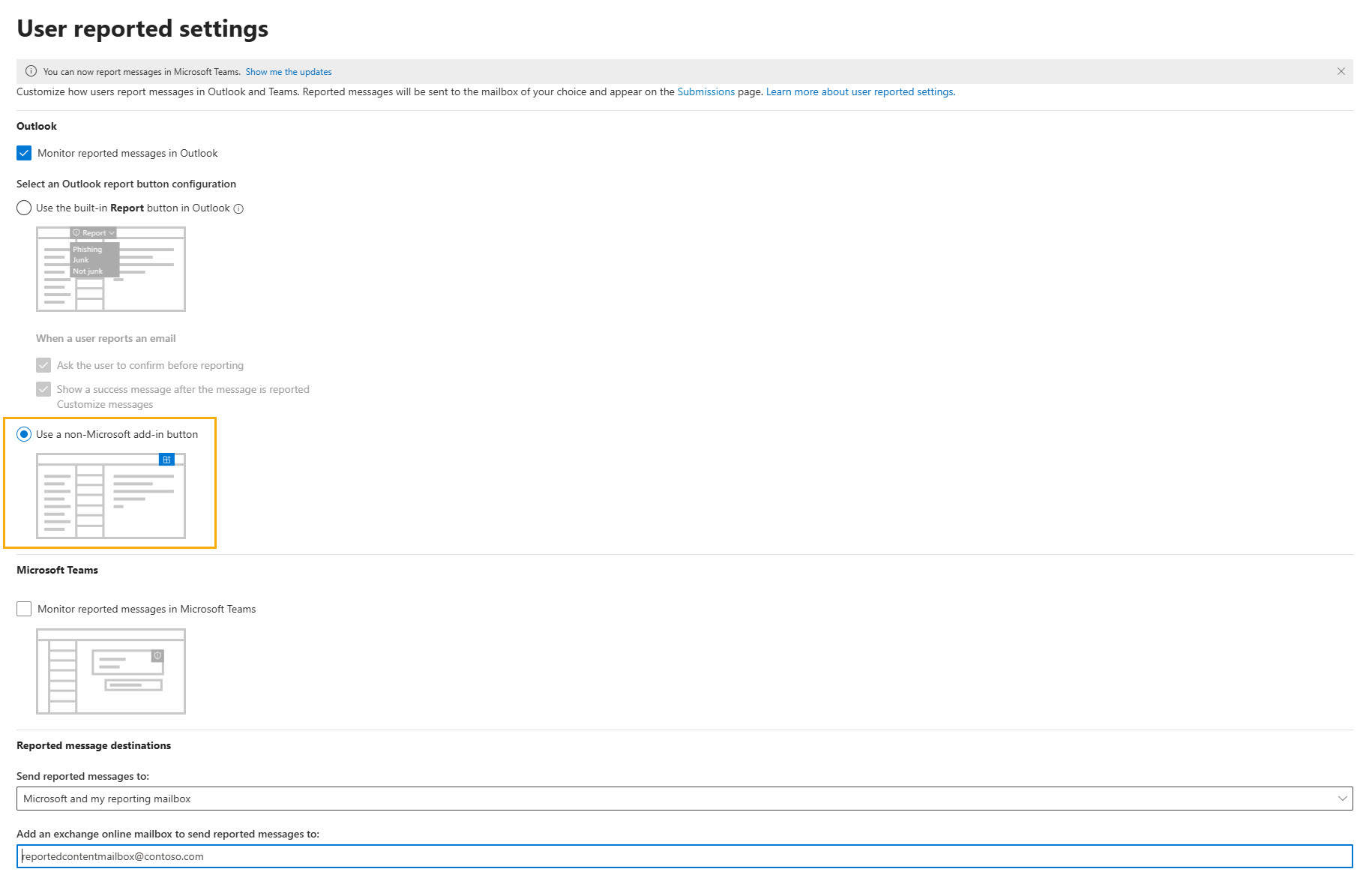
Once you have installed TitanHQ for Outlook, you can disable the built-in M365 reporting tool from your Outlook client. You can do this by logging into Microsoft Exchange and configuring the User Reported Settings in the Microsoft Defender portal to use a non-Microsoft add-in.
Disable M365 Outlook Report Add-in Print
Modified on: Fri, 23 Jan, 2026 at 9:04 AM
Did you find it helpful? Yes No
Send feedbackSorry we couldn't be helpful. Help us improve this article with your feedback.
 1.png)