
.png)




This article shows you how to perform basic actions in the RedApp. It also describes where to find commonly used features like notifications and the audit trail. If you're not familiar with the RedApp, use this overview to find your way around.
See also:
- Video guide: Partner onboarding onto the RedApp
- Video guide: User onboarding onto the RedApp
- Article 1137 - Supported cloud services on the RedApp
- Article 1311 - How to back up a machine using the RedApp
- Article 1387 - How to add and manage RedApp users
- Article 1394 - How to add products in the RedApp
- Article 1413 - How to add and delete customers/partners in the RedApp
How to use the RedApp
CONTENTS
- Logging into the RedApp
- Dashboards
- Your user
- Notifications
- Settings
- Audit trail
- RedAPI
- Help
- Redstor Instant Assistance (RIA)
- Marketplace
Logging into the RedApp
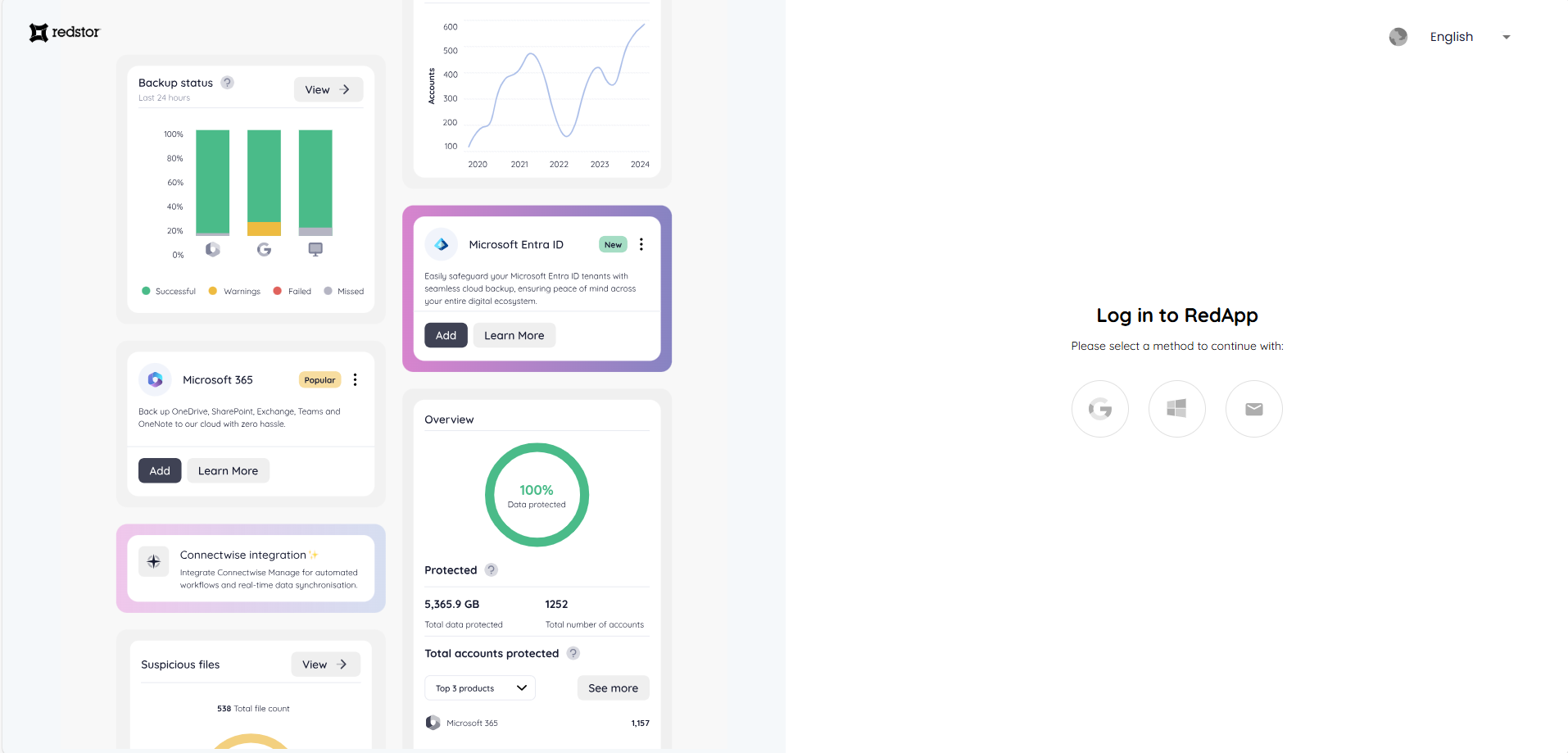
To start using the RedApp, you'll receive an invitation from your service provider. You will then need to complete some steps similar to these.
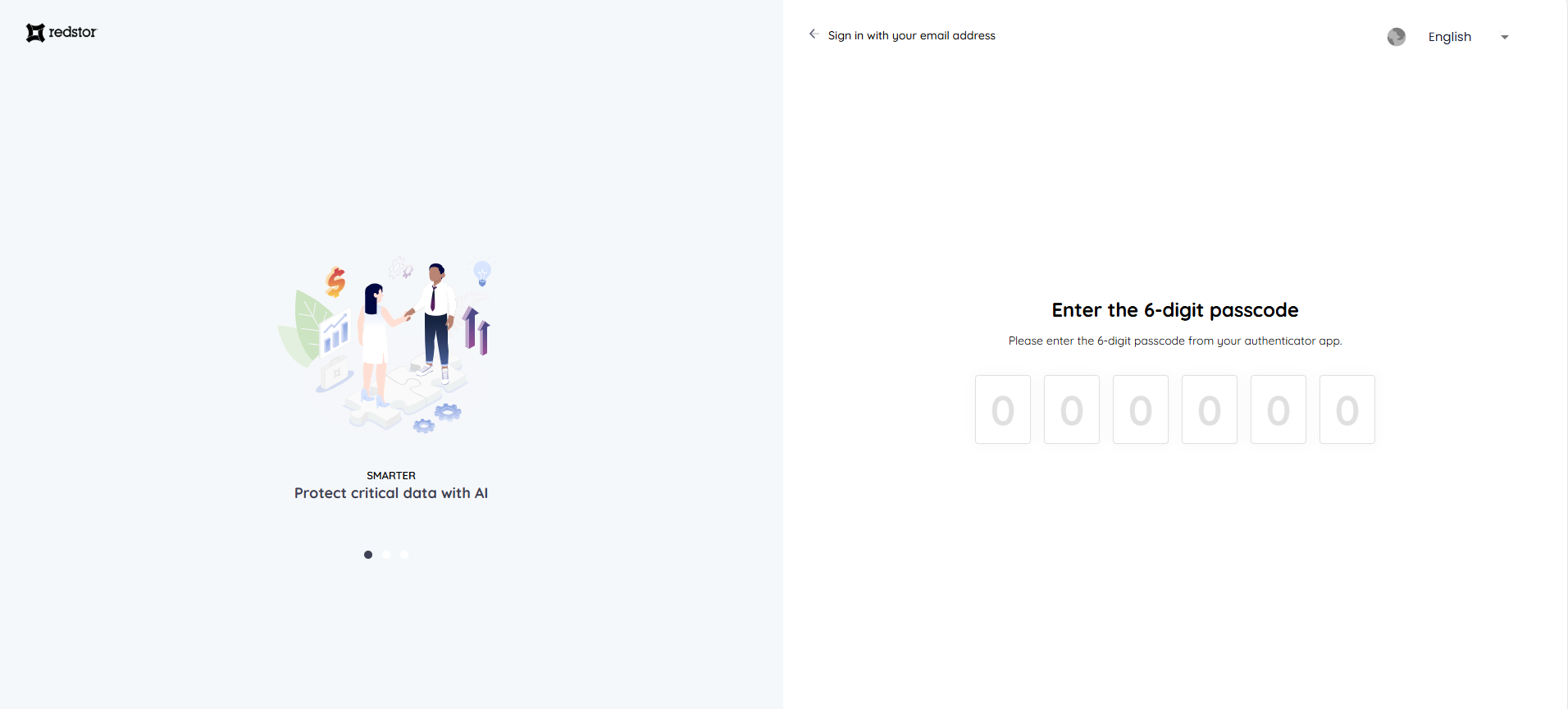
For security purposes, you will need to use multi-factor authentication every time you log into the RedApp.
Dashboards
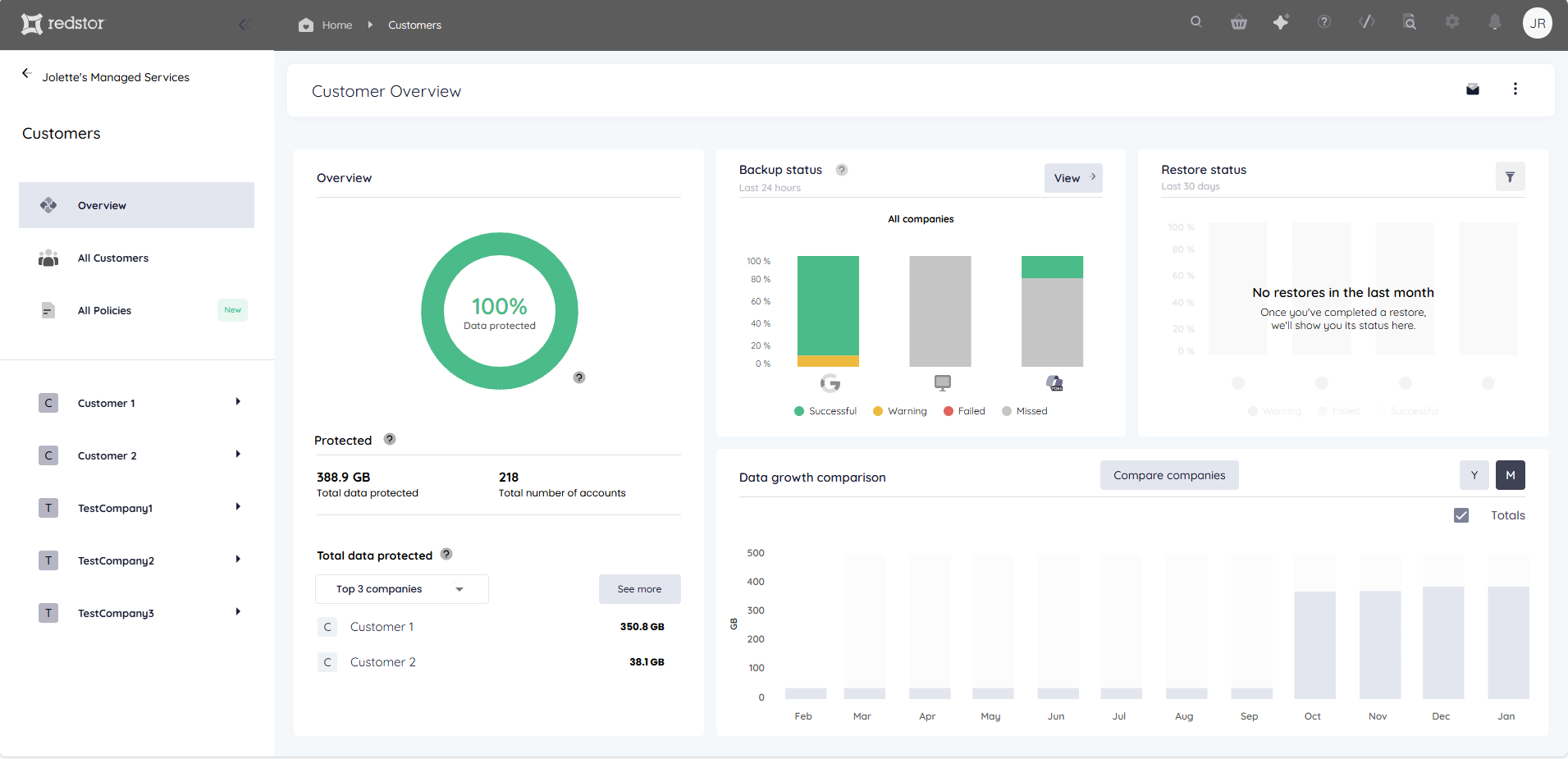
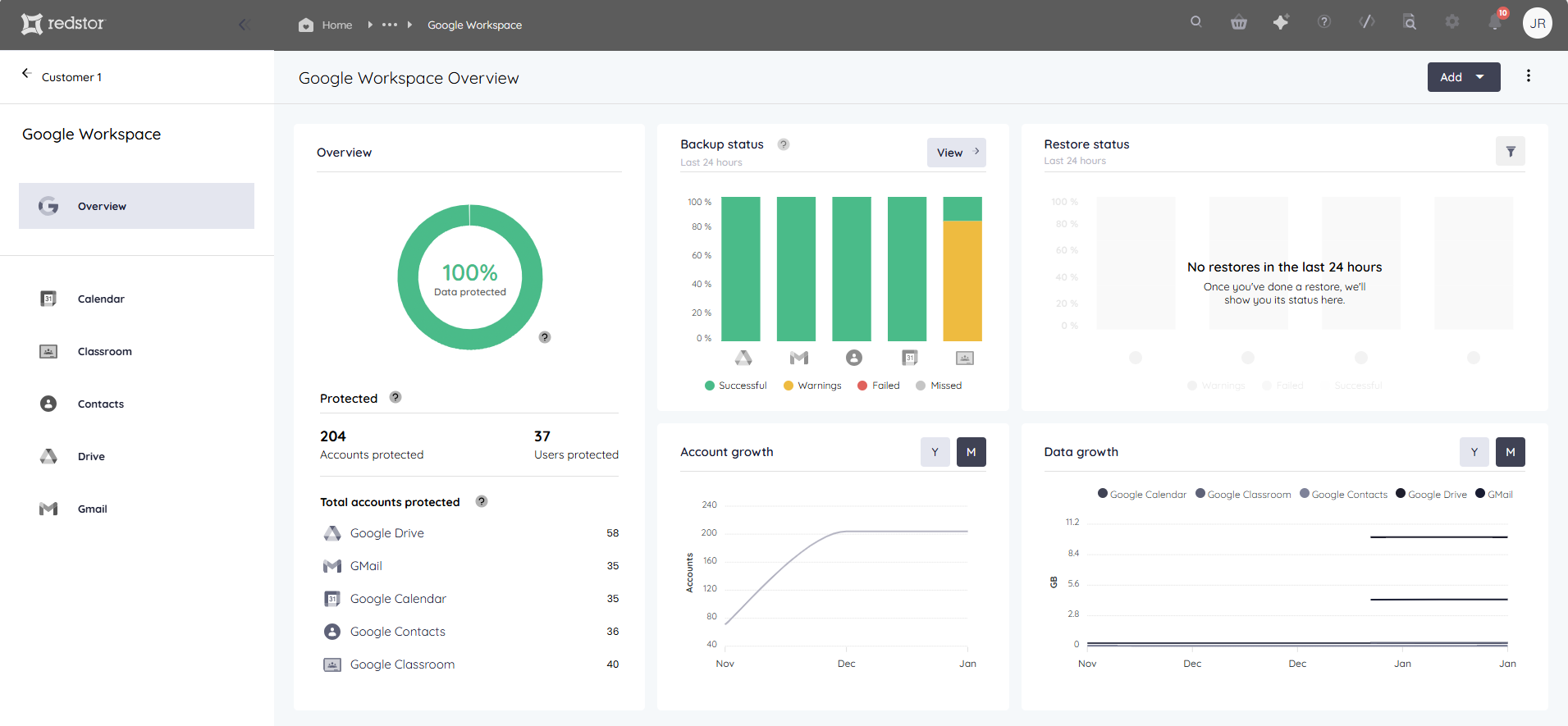
One of the key features of the RedApp is the various dashboards that show you real-time analytics of your data estate. You can view a dashboard of all your customers, or see dashboards for individual customers or products.

Your user
You can see your own user profile by clicking on the profile icon at the top right. This shows your user type, contact information, and the option to delete your account.
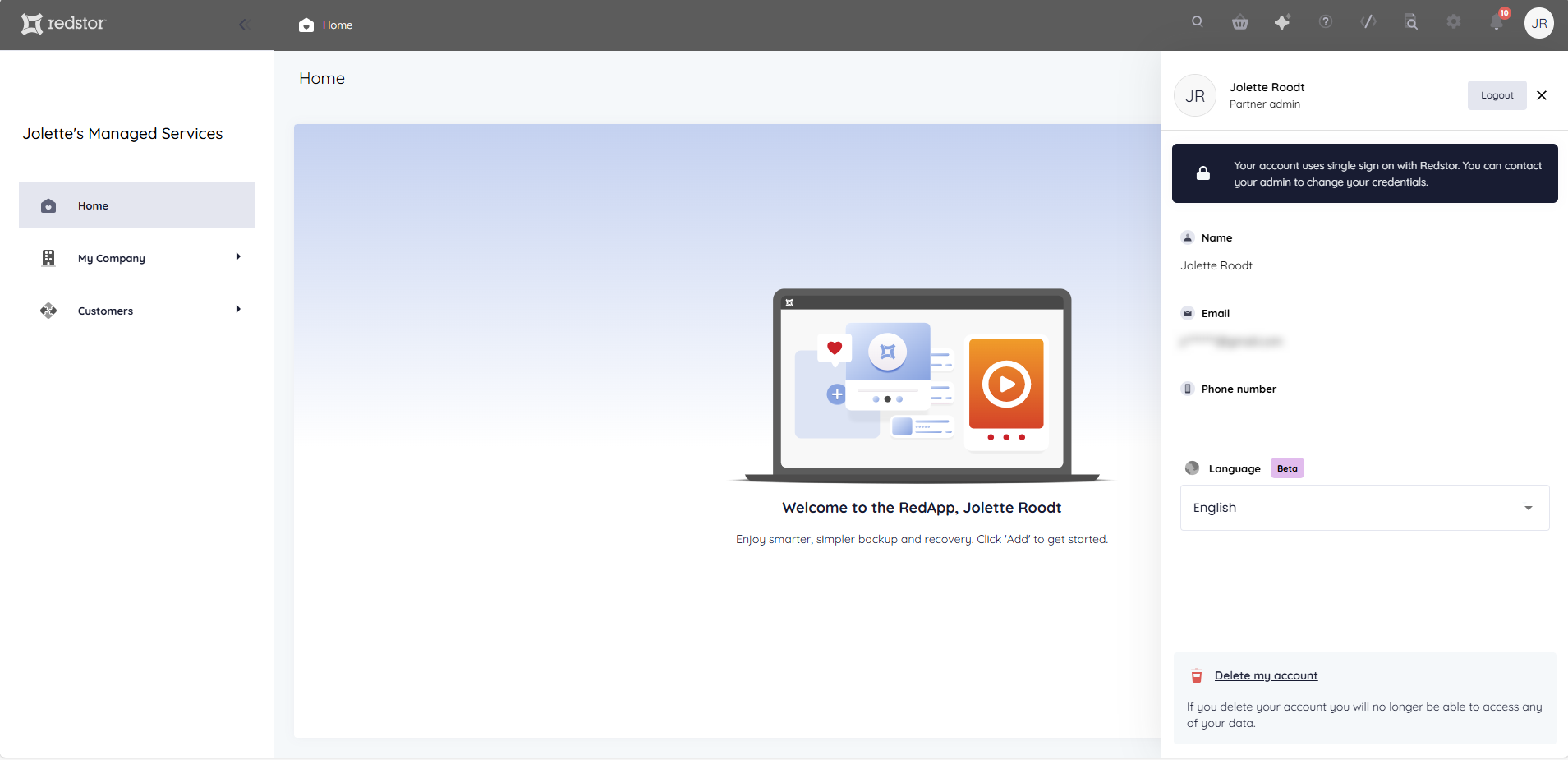
Deleting your account will not delete your company. Higher-level partners can still create new users for this company or assign existing users to it. Even without any users, backups of the company will keep running off the service principals our system was granted.
Notifications
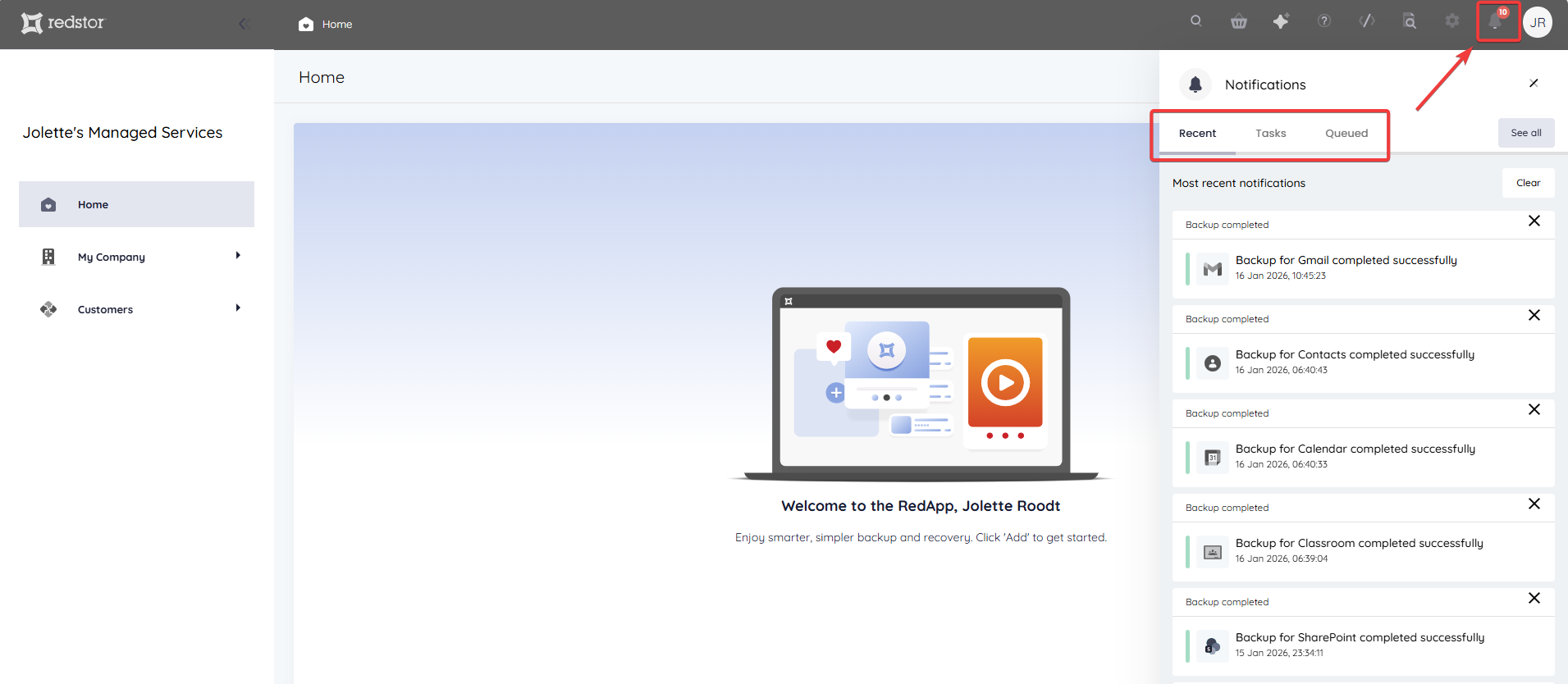
You can see your latest notifications by clicking the bell icon. The Recent tab shows completed backups and recoveries, backup set additions and deletions, and related information. The Tasks tab shows tasks that are in progress, while the Queued tab shows tasks that have not yet started.
Settings
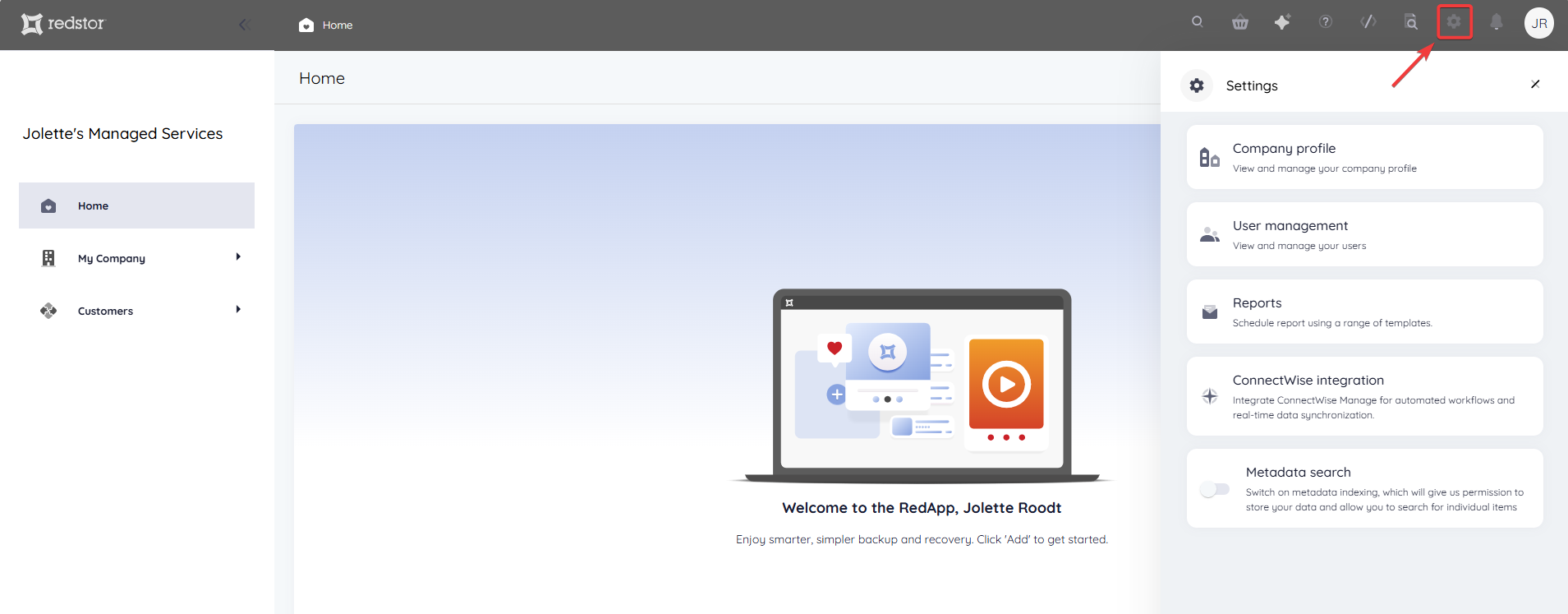
You can access your RedApp settings by clicking on the cog icon.
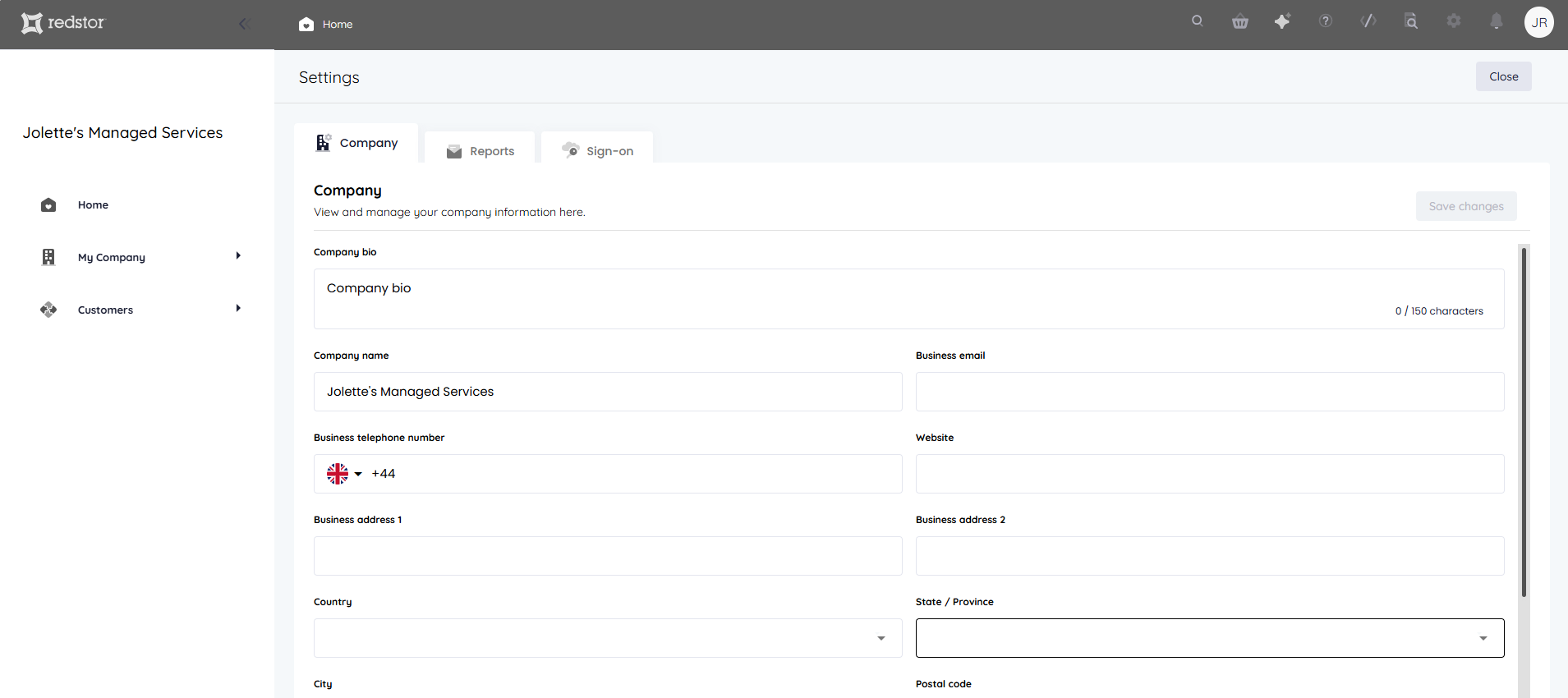
Company profile
Here you can view and change the details of your own organisation.
User management
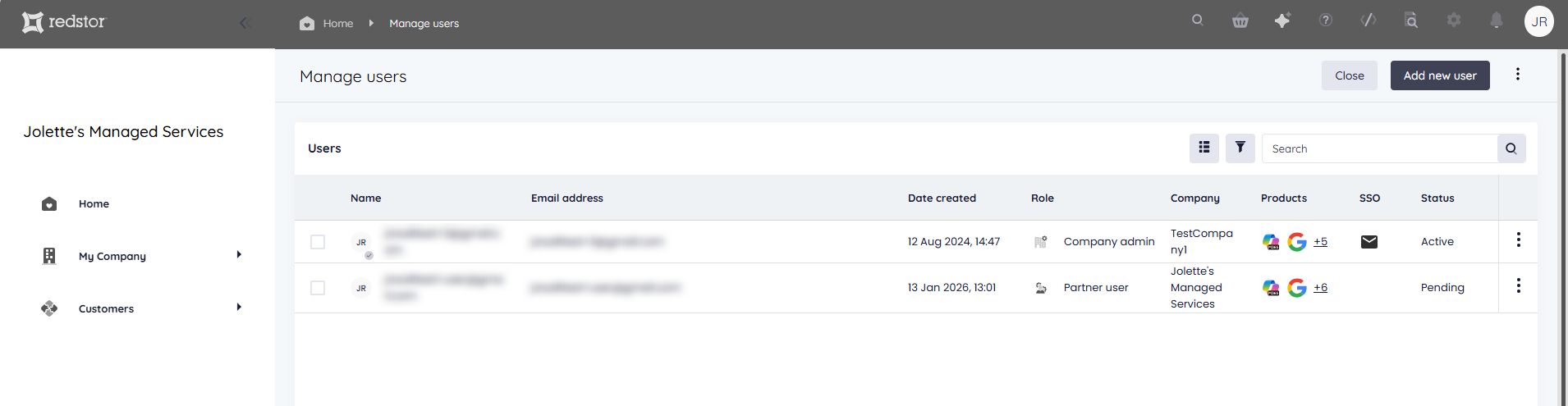
Here you can create and manage users for your own organisation and for partner/customer organisations. See our user management guide for step-by-step instructions.
Reports
Here you can schedule email reports to monitor the protection of your and your customers' data. See Article 1633 - How to schedule reports in the RedApp for more information.

ConnectWise integration
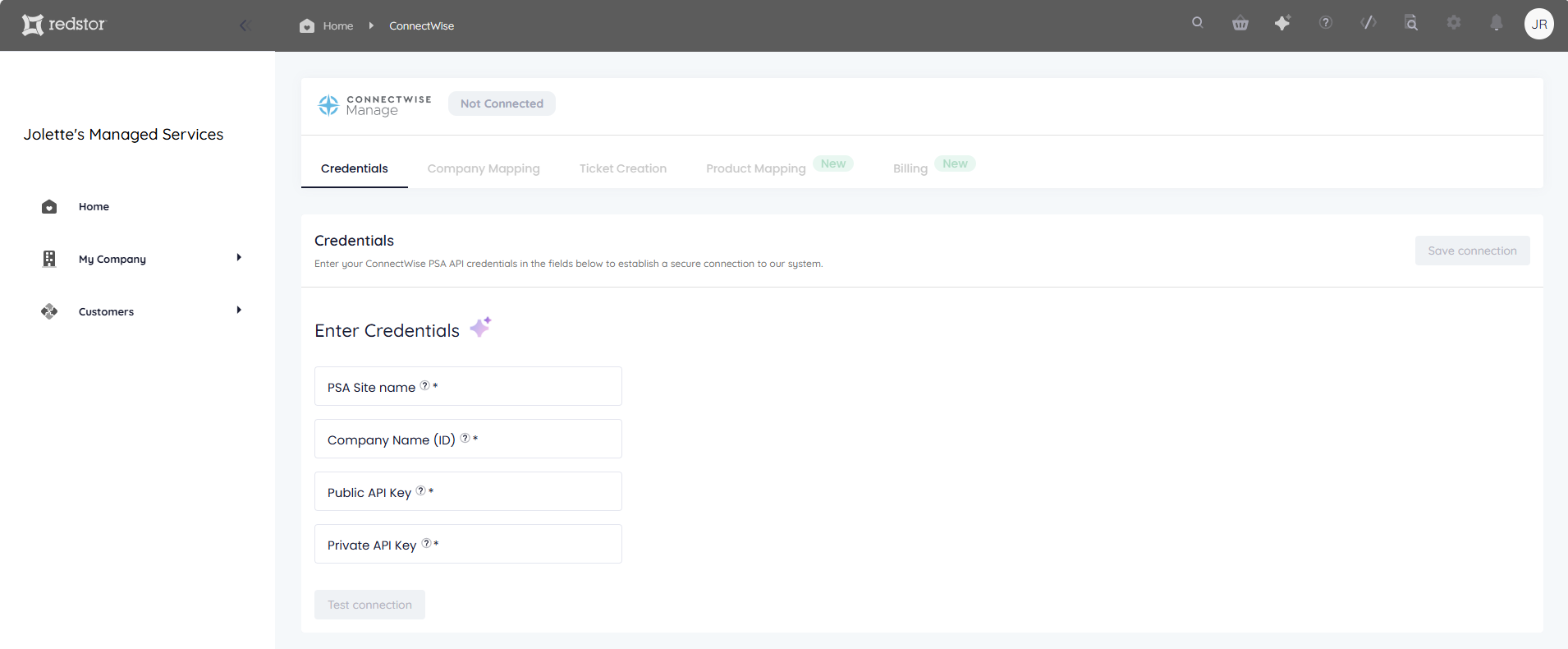
Here you can set up an integration to synchronise data, automate workflows, and manage backup and recovery processes more efficiently within the ConnectWise ecosystem. For step-by-step instructions, see Article 1544 - How to set up ConnectWise integration.
Audit trail
The audit trail is a basic, user-friendly log that shows a history of user actions. You can view the audit trail for your organisation by clicking the magnifying glass icon.

RedAPI
Partner Admins can make use of Redstor's REST API to automate actions such as adding customers, creating users for customers, and checking the status of backup and recovery tasks. To access the RedAPI, click on the code icon. Our RedAPI documentation can be found here.

Help
To access the Help section, click on the question mark icon. Under Help, you can find ways to contact our support team should you need assistance with anything on the RedApp.

Redstor Instant Assistance (RIA)
Redstor Instant Assistance or RIA is the RedApp's AI-powered support assistant. You can click on the sparkle icon to start a conversation and get technical assistance or answers to your product questions immediately.

Marketplace
The Marketplace in the RedApp allows you and your customers to discover and instantly trial one or more products. To access the Marketplace, click on the basket icon. Read more about the Marketplace here.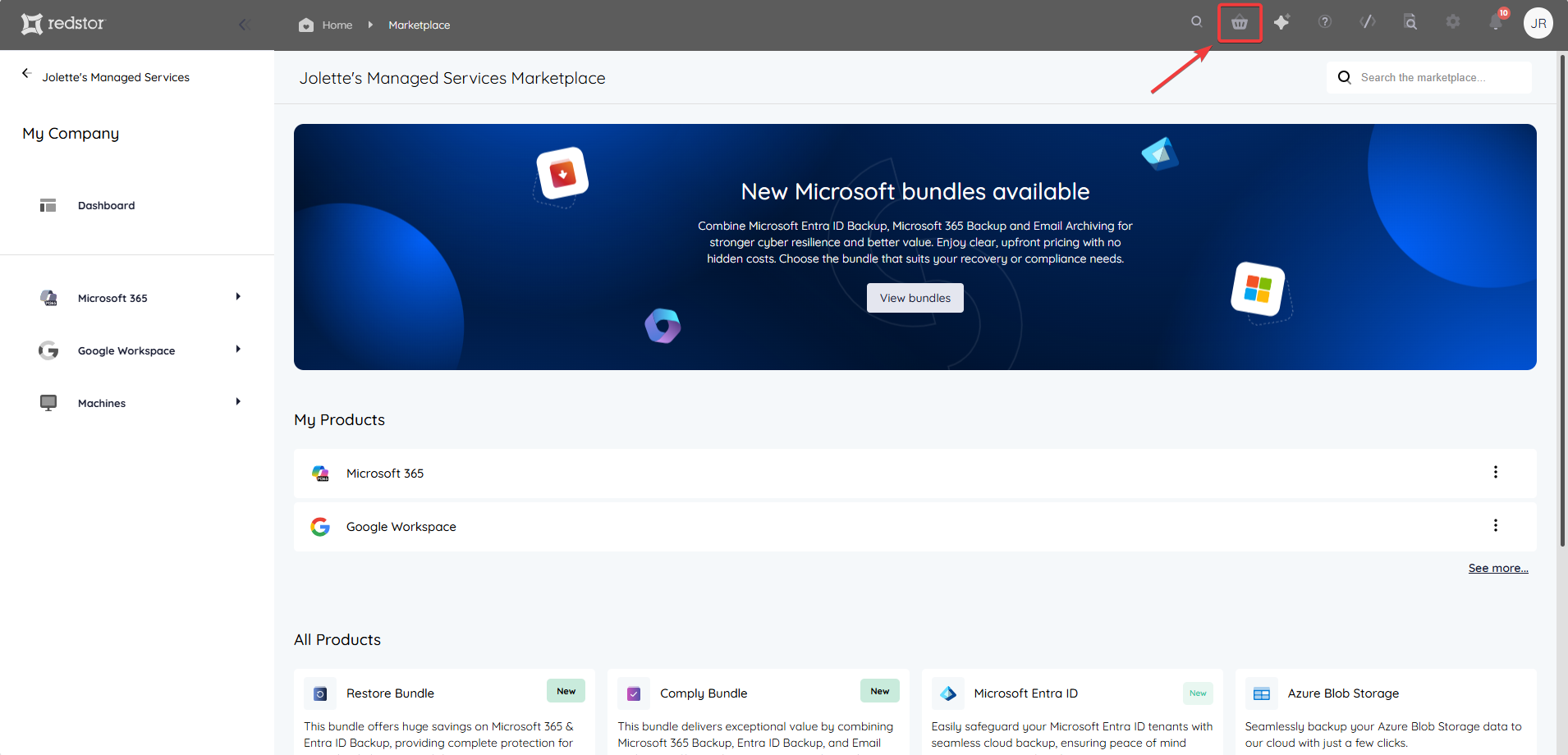
 1.png)